Add a newsletter to your Wix site
Your site already has the people, products, and work. Connect it to XOXO and add a newsletter without adding a marketing department.
Import your subscribers automatically
Connect your site, map fields, and add tags. XOXO handles the first import and checks for new subscribers automatically.
Add a newsletter form to your site
Build a beautiful signup form, choose when and where it opens, and we'll give you step-by-step instructions on how to add it to your site.
Send nice emails
The best emails are thoughtfully composed. They're beautiful without being a brochure, and respect the recipient's time and inbox.

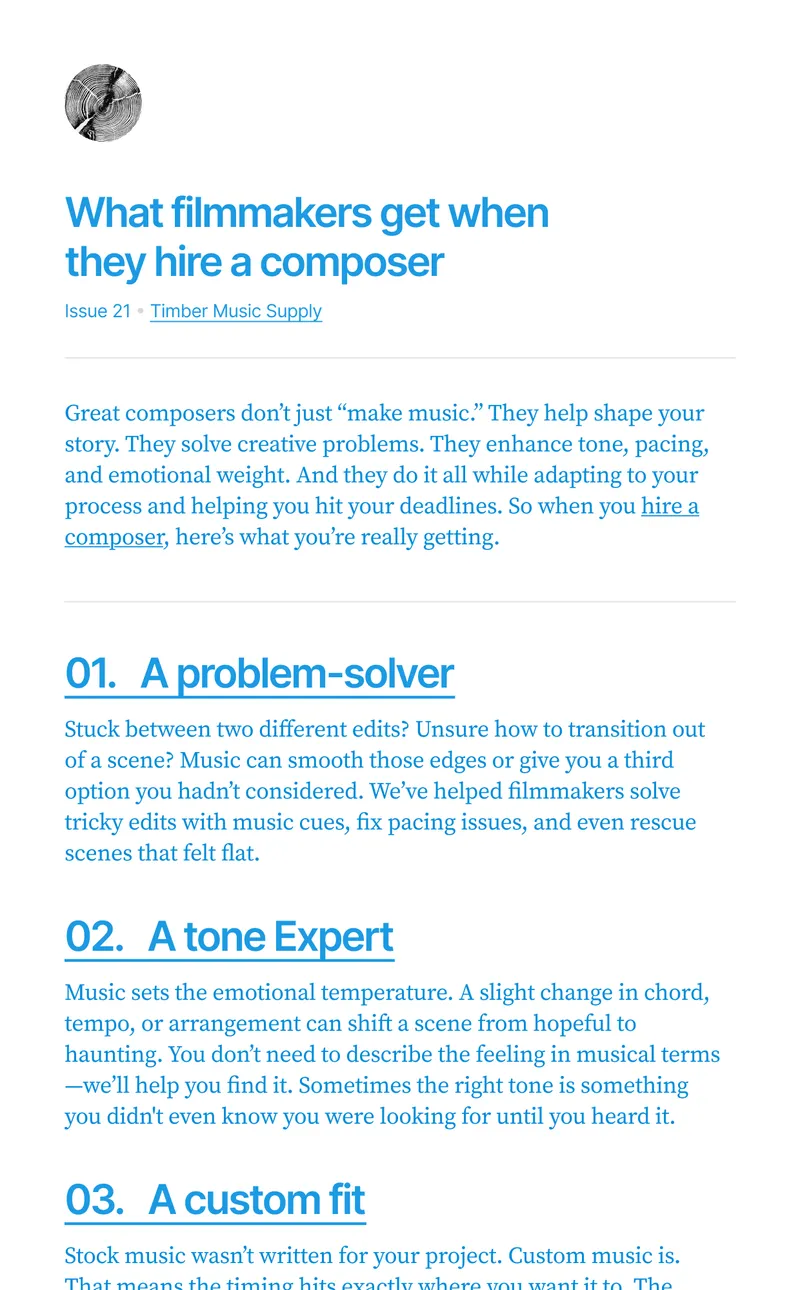
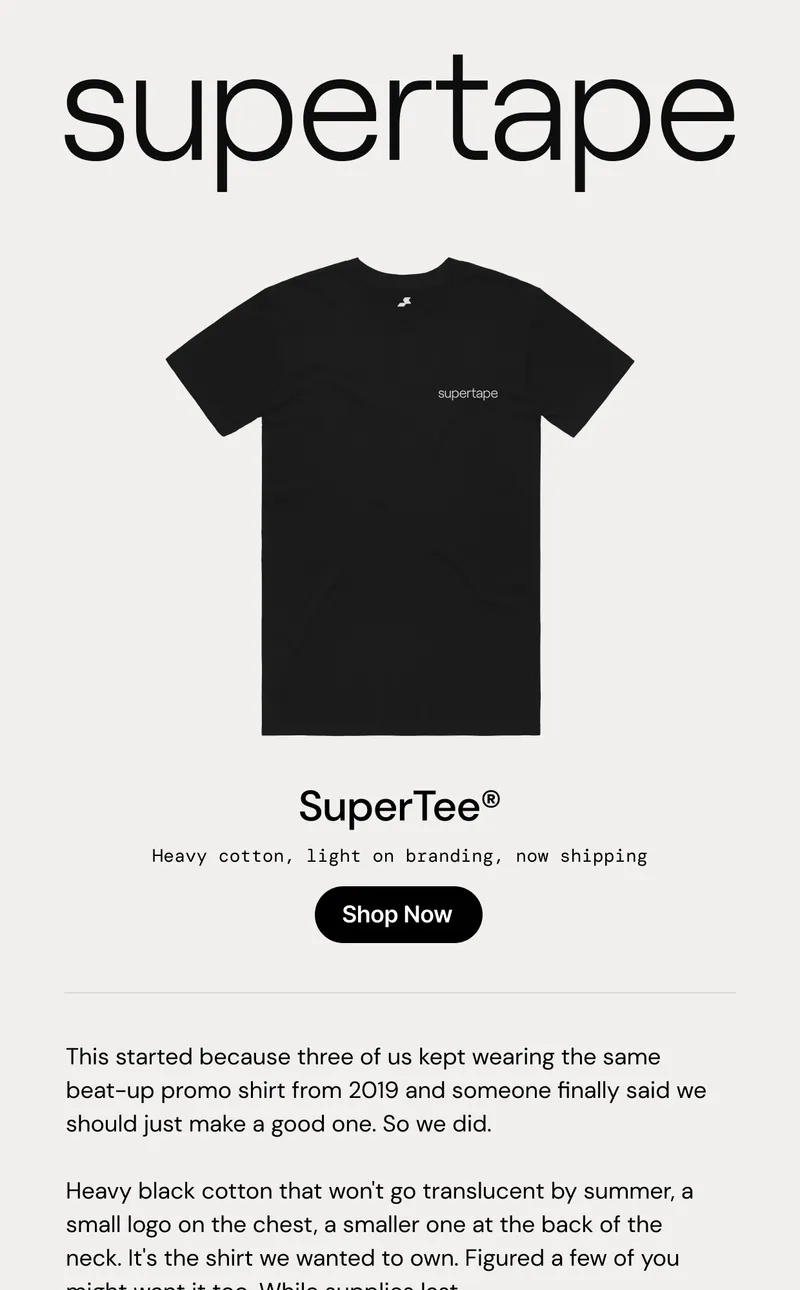
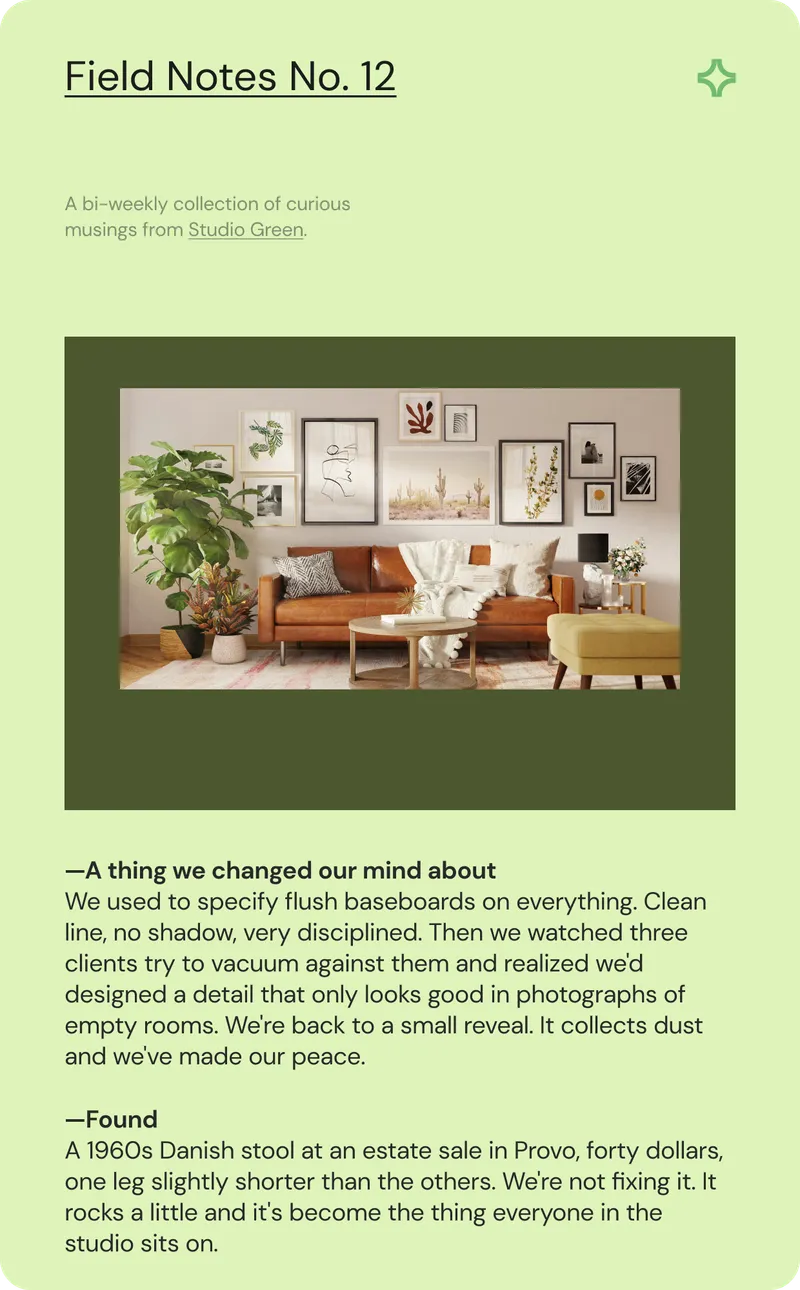
Build your audience
Growing an audience takes work. We make it easier with tools to add, organize, and understand your subscribers.
Keep it simple
You don't need a complicated marketing platform to have a great newsletter. We give you the tools to connect with your people without the noise.
- No drip campaigns
- No SMS or social
- No sales funnels
- No add-ons or upsells
- No invasive tracking
Frequently asked questions
How does XOXO connect to Wix?
Install the XOXO app from Wix, approve the connection, then choose the fields and tags you want in XOXO. The install brings you back to finish setup.
Which Wix contacts come over to XOXO?
Contacts who opted into email marketing. XOXO brings over everyone who already qualifies, then adds new contacts as they opt in.
What happens when someone unsubscribes on Wix?
Wix tells XOXO when a contact unsubscribes or is deleted, and XOXO removes them from your audience too.
How do I add a signup form to my Wix site?
Go to Settings, then Custom Code, and add your code from XOXO to run on every page at the end of the body. Link a Wix Button to your form's address so it opens the popup.
Why does my form need a connected domain?
Wix only runs custom code on sites with a domain connected. On a wixsite.com address, link to your form's hosted page instead.
Want early access to XOXO?
Free during early access, every feature included.