Add a newsletter to your Cargo site
A Cargo site puts the work first. An XOXO form gives the people who stop and look a way to keep up with it.
Add a newsletter form to your site
Build a beautiful signup form, choose when and where it opens, and we'll give you step-by-step instructions on how to add it to your site.
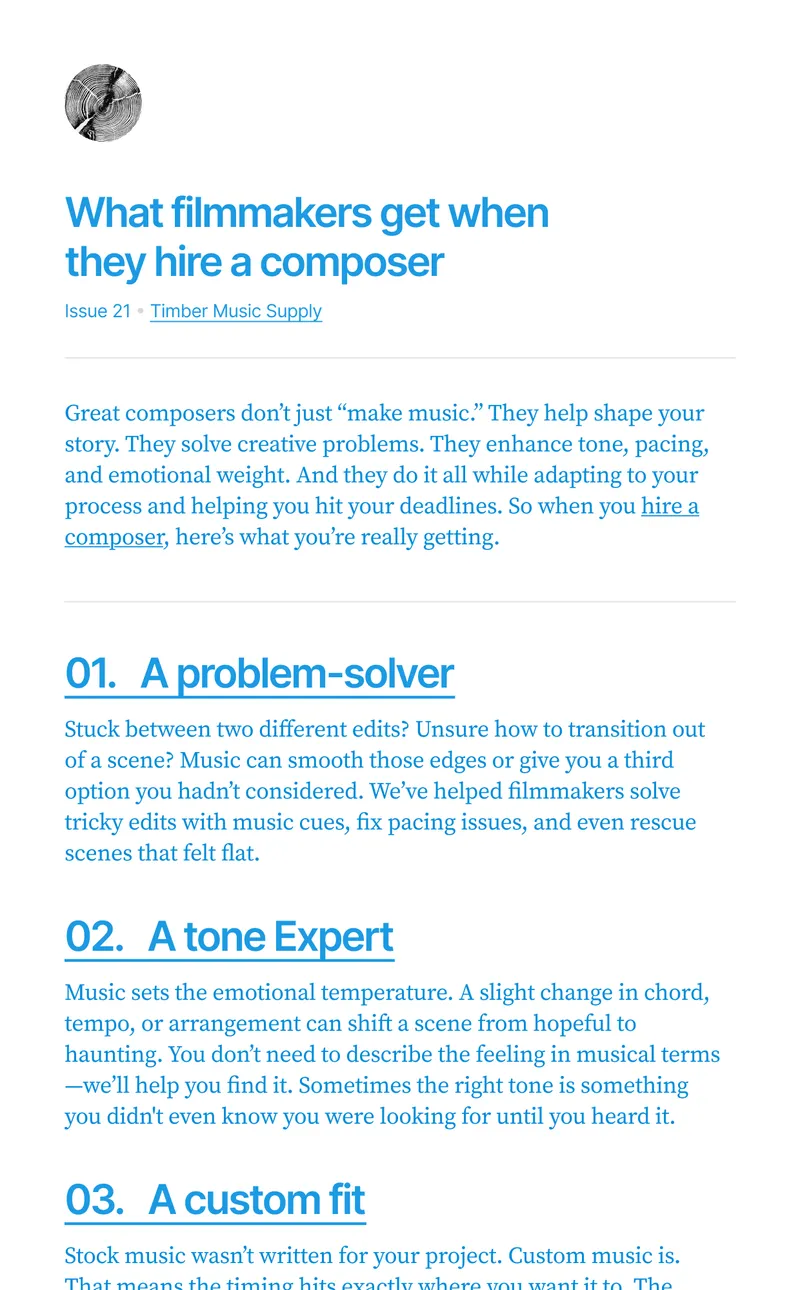
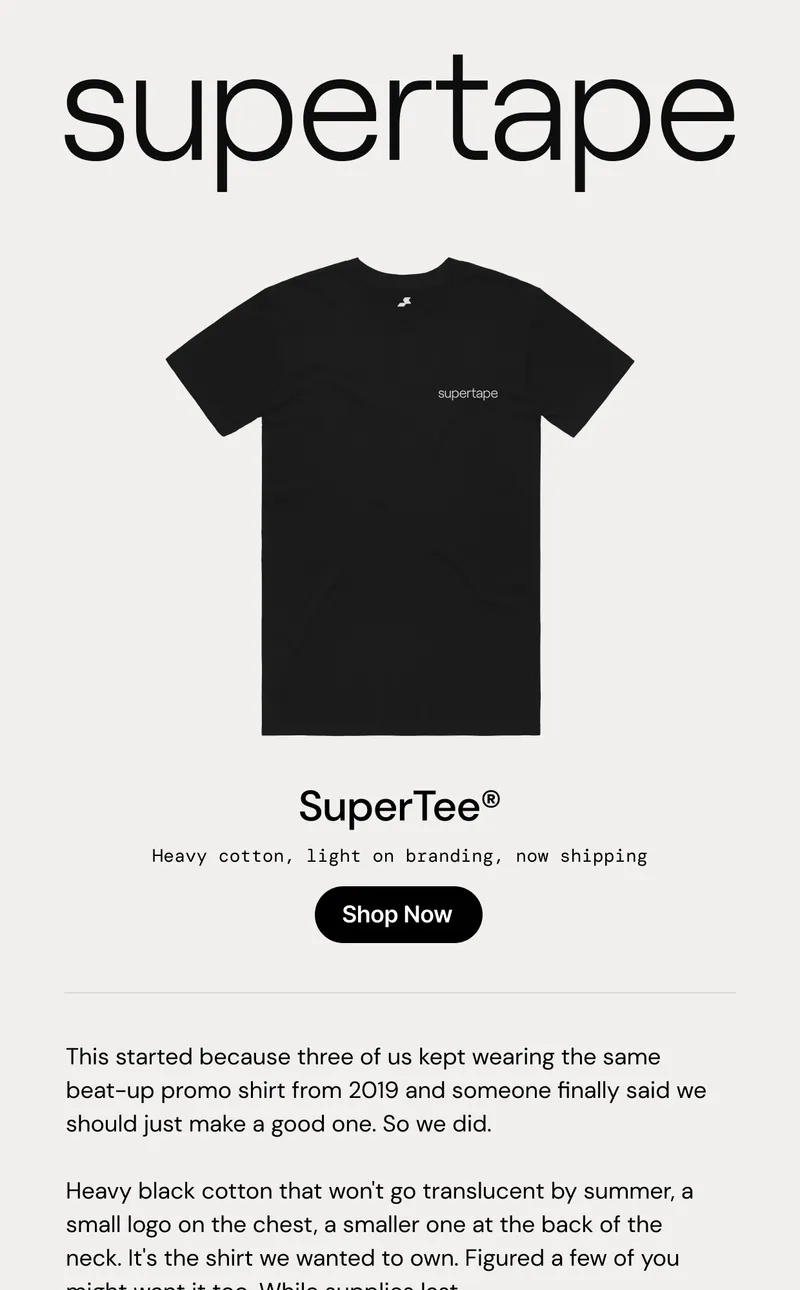
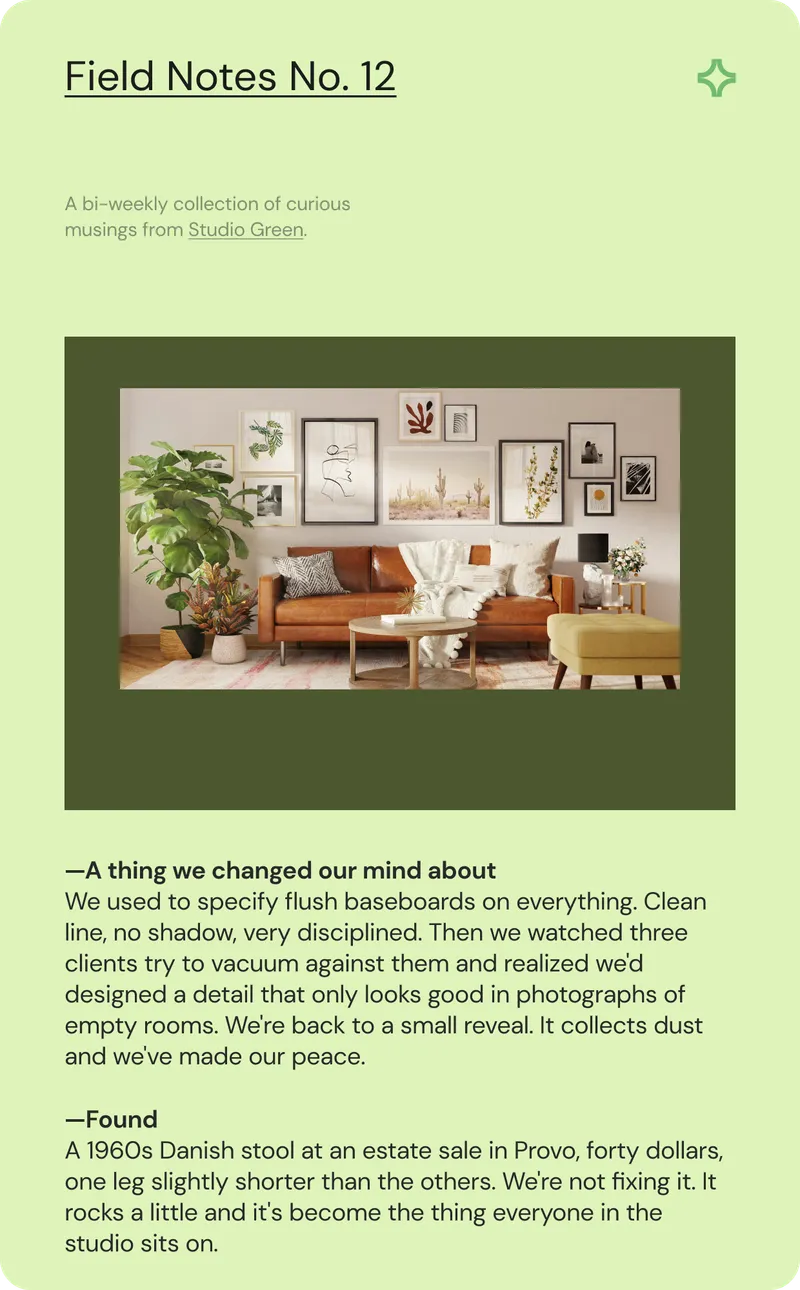
Send nice emails
The best emails are thoughtfully composed. They're beautiful without being a brochure, and respect the recipient's time and inbox.

Build your audience
Growing an audience takes work. We make it easier with tools to add, organize, and understand your subscribers.
Keep it simple
You don't need a complicated marketing platform to have a great newsletter. We give you the tools to connect with your people without the noise.
- No drip campaigns
- No SMS or social
- No sales funnels
- No add-ons or upsells
- No invasive tracking
Frequently asked questions
How do I add an XOXO form to Cargo?
Add the script embed site-wide under Site Settings, in the CSS/HTML panel's HTML tab. Your form can then open as a popup on any page.
Why doesn't the script embed work on a page?
Cargo runs scripts from site settings, not from individual pages. Load the script site-wide and open the form as a popup, or link to the form's own page instead.
What happens after someone signs up?
XOXO sends them a confirmation email. Once they confirm, they join your audience with the fields and tags you chose for that form.
Can I move my existing list to XOXO?
Yes. Export the list as a CSV, import it into XOXO, and match its columns to your subscriber fields. Only import people who expect to hear from you.
Want early access to XOXO?
Free during early access, every feature included.